Unlocking the Power of Free VPN on Android TV
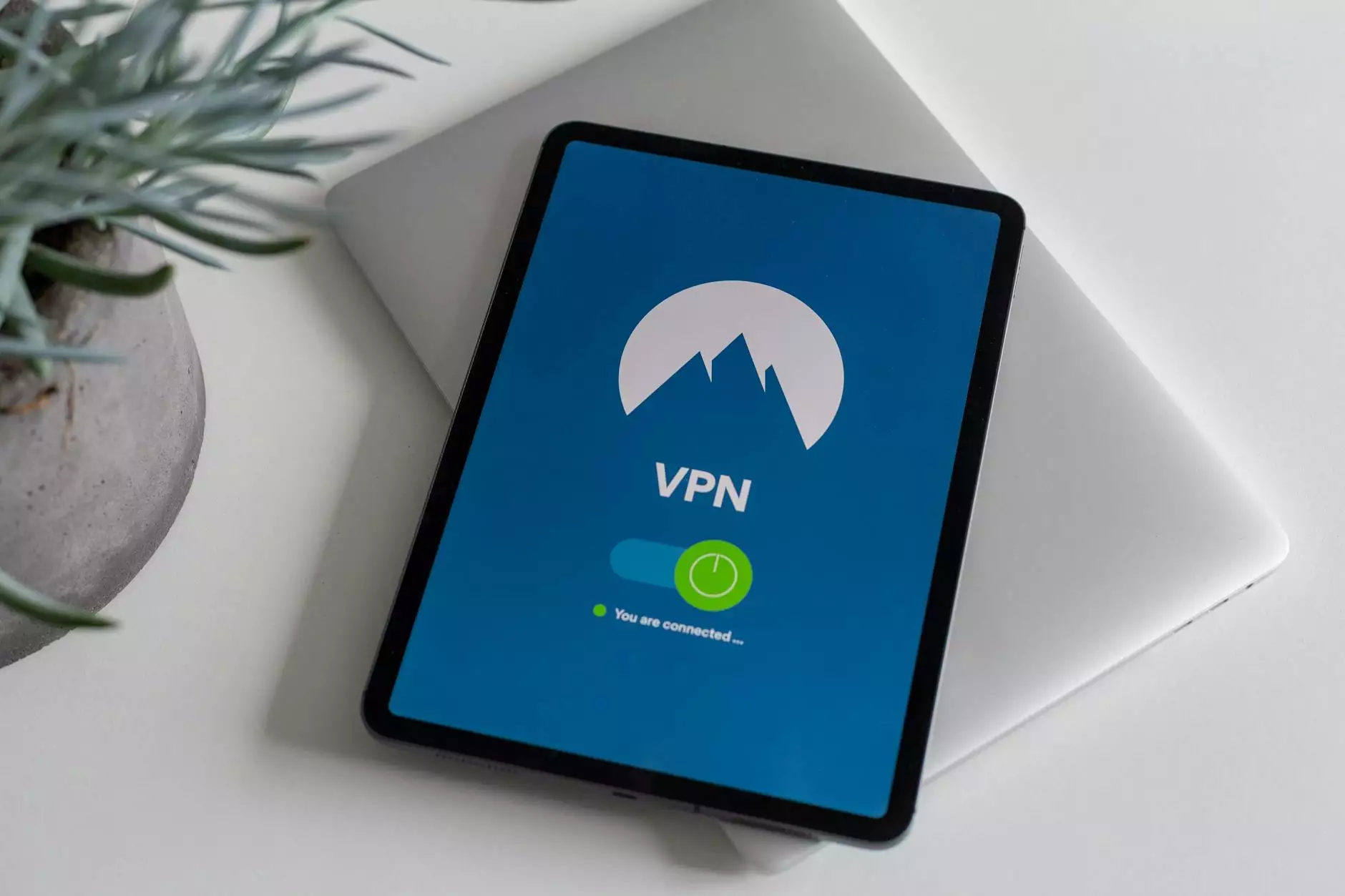
In today's digital age, having access to a free VPN on Android TV can significantly enhance your streaming experience. Whether you're looking to watch international content, bypass geo-restrictions, or simply secure your internet connection, a VPN offers a multitude of benefits. This comprehensive guide will walk you through everything you need to know about using a free VPN on your Android TV, including its advantages, setup guides, and our top recommendations.
What is a VPN and How Does it Work?
A Virtual Private Network (VPN) is a service that creates a secure connection between your device and the internet. By encrypting your data, a VPN hides your IP address and makes your online actions virtually untraceable. This is particularly useful when streaming content on platforms like Netflix, Hulu, or Amazon Prime Video.
Key Functions of a VPN
- Enhanced Security: Protects your data from hackers and cyber threats.
- Anonymity: Keeps your online activity private from ISPs and government surveillance.
- Access to Restricted Content: Allows you to bypass geo-restrictions and access your favorite shows from anywhere.
The Benefits of Using a Free VPN on Android TV
Using a free VPN on Android TV comes with numerous advantages that can enhance your viewing experience. Here are the most notable benefits:
1. Cost-Effective Streaming
With many high-quality VPN services costing a monthly fee, using a free VPN allows you to enjoy the same benefits without sacrificing your budget. This is particularly beneficial for casual users or those who only stream occasionally.
2. Easy Access to International Content
Free VPNs can change your IP address to different regions, fulfilling your desire to watch shows that are otherwise unavailable in your country. For fans of international cinema or foreign series, this is a game changer.
3. Increased Privacy
Using a free VPN shields your internet activities from prying eyes. It’s particularly important in countries where internet usage is heavily monitored. By encrypting your connection, a free VPN provides a level of privacy that normal browsing can't.
How to Set Up a Free VPN on Your Android TV
Setting up a free VPN on Android TV is a straightforward process. Follow these steps to get started:
Step 1: Choose the Right Free VPN
Not all free VPNs are created equal. Consider factors like speed, server locations, and user reviews. Some of the top-rated free VPNs for Android TV include:
- ZoogVPN – Offers great speeds and a user-friendly interface.
- Windscribe – Provides strong security features and a generous free plan.
- ProtonVPN – Known for its excellent privacy and security measures.
Step 2: Download the VPN App
Once you've selected a VPN, go to your Android TV's Google Play Store and search for the chosen VPN app. Download and install the app as you would with any other application.
Step 3: Create an Account
Some free VPNs require you to create an account. This typically involves providing an email address and setting a password. Follow the prompts in the app to create your account.
Step 4: Sign In and Connect
Open the app and sign in with your newly created account. After logging in, you'll see a list of available server locations. Choose a server and click on connect. Once connected, your Android TV will be using a secure VPN connection.
Streaming Content Using Free VPN on Android TV
Once you have your VPN set up, you can start streaming your favorite shows and movies. Here are a few tips to make the most of your experience:
1. Selecting the Optimal Server
To access a specific content library, connect to a server in that region. For example, if you want to access American Netflix shows, connect to a US server.
2. Test Your Connection Speed
Free VPNs can sometimes slow down your connection. Use online speed tests to check your VPN performance. If it’s too slow, try connecting to different servers until you find the optimal one.
3. Regularly Update the VPN App
Using the most current version of the VPN app ensures that you have the latest security features and improvements. Regular updates can also enhance the app's performance.
Potential Drawbacks of Free VPNs
While there are numerous advantages to using a free VPN on Android TV, there are potential drawbacks you should consider:
1. Limited Data Availability
Many free VPNs impose data caps, meaning you may only be able to stream for a limited time before reaching your quota. Be sure to check the limits before getting too invested in a particular service.
2. Slower Speeds
Free services may not have the same level of infrastructure as paid ones, leading to slower speeds. This can be frustrating, especially when streaming high-definition content.
3. Ads and Tracking
Some free VPNs display advertisements or may track your online activities. It's crucial to read through privacy policies to ensure your information remains private.
Conclusion: Enhance Your Android TV Experience
In summary, using a free VPN on Android TV can unlock a world of streaming possibilities, providing you with the privacy and security you need while browsing. With the right setup, you can access international content at no cost and enjoy your favorite shows without limitation. Remember to choose a reputable VPN, follow proper setup instructions, and regularly review your connection to ensure a smooth streaming experience.
For more information on the best VPN services, visit ZoogVPN to explore competitive options and find a service that meets your streaming needs. Start your journey to unrestricted viewing today!